

Start here with Popular AI for practical guides to local AI, hardware, AI tools, troubleshooting, private workflows, and more control over your AI.
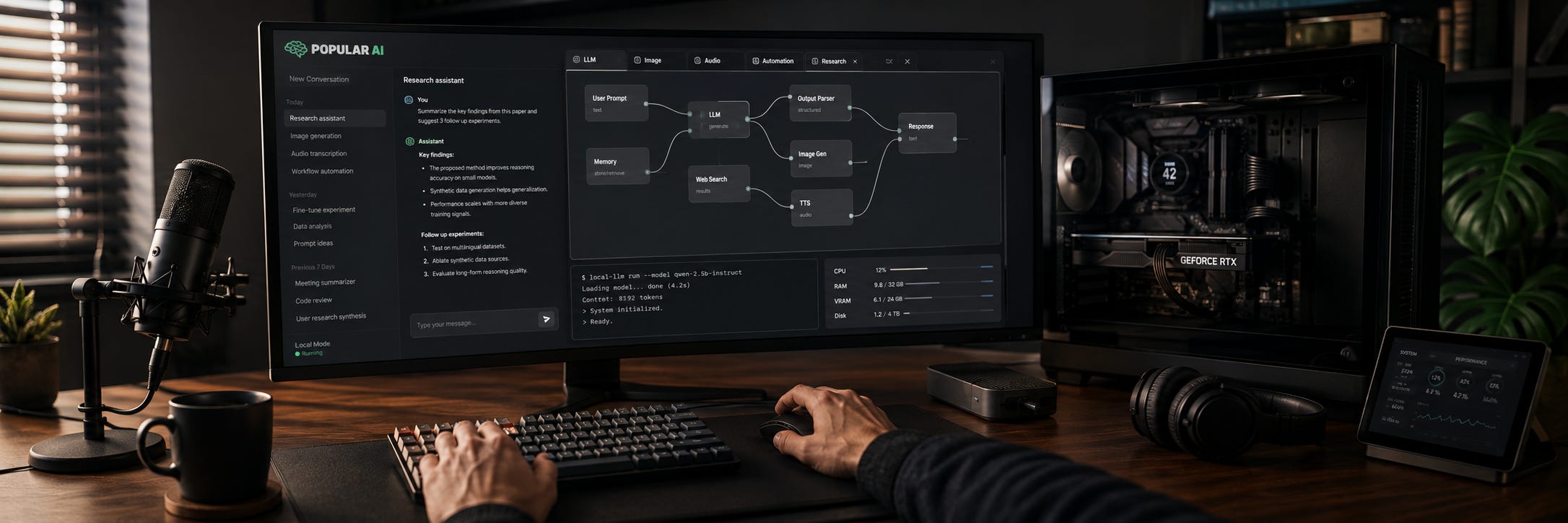
Popular AI is for people who want AI to be useful in the real world. We cover local AI, hardware, setup guides, troubleshooting, private workflows, commercial AI tools, and the policy and platform decisions that shape what users can actually do.
The goal is straightforward: help you choose better tools, solve problems faster, spend money more intelligently, and keep more control over the hardware, data, accounts, and workflows you depend on. You can read more about the publication on the About Popular AI page.
If you are new to local AI, do not try to read everything. Start with the problem you are trying to solve.
The practical answer
You do not need to abandon cloud AI and build a server rack to have more control.
For most people, the sensible setup is hybrid. Use hosted tools such as ChatGPT, Claude, or Perplexity when they give you the strongest capability with the least friction. Use local AI when privacy, offline access, predictable availability, repeated heavy use, model choice, or control over your own files becomes more important.
If you are wondering whether local hardware is worth buying at all, start with Should you buy local AI hardware in 2026? The honest answer. It explains when buying your own hardware makes sense and when paying for a cloud subscription is still the smarter move.

From there, choose your path below.
Start with local AI
Local AI means running models and AI applications on hardware you control rather than sending every prompt, file, image, or recording to a hosted service.
It can give you private workflows, offline access, fewer usage caps, more freedom to choose models, and a fallback when a hosted service changes its pricing, policies, or product. The tradeoff is that you become responsible for hardware, installation, updates, model selection, and troubleshooting.
If you already have a GPU, start with How to choose the right local LLM for 8GB, 12GB, and 24GB VRAM. The most important lesson is to choose models around the memory you actually have instead of trying to force the largest available model onto your machine.

No GPU? Local AI is still possible. Best CPU-only local LLMs in 2026: what runs well without a GPU explains what is practical on ordinary processors and where performance becomes too slow to justify the experiment.

For everything else, browse the Popular AI local AI archive:
▶ View all local AI articles
Build or buy the right AI hardware
AI hardware buying is different from ordinary PC buying. Gaming performance can be useful context, but local AI often turns on VRAM, memory bandwidth, software support, physical compatibility, power, and whether the model you want actually fits.
For a first serious DIY machine, The best budget local AI PC in 2026 starts with a used RTX 3090 explains why 24GB of VRAM remains such a useful target.

If you are choosing between generations, read RTX 5090 vs RTX 4090 vs RTX 3090: which wins for local AI?. Faster is not automatically better when a cheaper card gives your workload the memory capacity it needs.

Once you move beyond one or two GPUs, the rest of the machine becomes just as important as the cards. The 4x or 8x RTX 3090 local AI server guide covers the realities of PCIe layout, GPU size, power, cooling, multi-GPU inference, and the point where cheap VRAM stops being a cheap project.

Browse the Builds & gear archive for current GPU comparisons, local AI PCs, workstations, mini PCs, and build advice:
▶ View all builds & gear articles
Fix something that is broken
A surprising amount of AI work consists of discovering that yesterday’s perfectly functional setup has developed opinions.
Popular AI publishes fixes for installation failures, broken dependencies, ComfyUI problems, model paths, GPU memory issues, hosted-product changes, and other failures that get between you and the actual work.
If you use ComfyUI, Why ComfyUI updates break workflows and how to fix them is a good place to start. It explains why updates can break nodes and workflows, and how to make the setup less fragile.

For current troubleshooting and setup guides, browse Fixes & guides:
▶ View all fixes & guides
Build private AI workflows
You do not have to make your entire AI stack local to keep sensitive parts of a workflow under your control.
A good place to begin is transcription. Free audio transcription on Windows with Whisper shows how to transcribe audio directly on a Windows PC without making cloud upload part of the basic workflow.

For private web research, A local Perplexity alternative with Vane, Ollama and SearXNG goes considerably further. It combines local models with self-hosted search components to create a research workflow with less dependence on a single hosted AI account.

These setups involve more maintenance than clicking a website and signing in. That friction is real. The payoff is knowing where your files go, which model is running, and which parts of the system you can replace.
Use commercial AI without depending on it blindly
Hosted AI is often the right tool.
Frontier models can offer better reasoning, polished multimodal features, strong coding performance, integrated web research, and less setup than most local systems. Refusing to use them on principle can leave useful capability on the table.
The important distinction is between using a service and building a workflow that cannot survive without it.
For an example of the practical problem, read ChatGPT and Claude usage limits: why they still feel random. Usage caps, account access, model availability, pricing, and vendor-controlled product changes can all become workflow constraints once a hosted tool becomes infrastructure rather than an occasional assistant.

Keep important source files outside proprietary systems when possible. Preserve reusable prompts, exports, scripts, and datasets. If a workflow is important enough that losing one account would stop the work, look for a second provider or a local fallback.
Create and publish with AI without producing slop
AI can be useful for research, drafting, transcription, editing, images, repurposing, coding, and publishing. It can also make everything sound like it was produced by the same relentlessly enthusiastic corporate intern.
For writers and publishers, How to humanize AI writing before readers spot the tells focuses on the recurring stylistic habits that make generated writing obvious and how to remove them without sanding away your own voice.

The useful role for AI is leverage. Let it handle repetitive work, transformations, first passes, research assistance, and tedious production steps. Keep human judgment in charge of what is true, what is worth saying, and what deserves to be published.
Follow important model releases without chasing every benchmark
New models arrive faster than anyone has time to rebuild a workflow around them.
The useful questions are more durable:
Can you actually access the model? What does it cost? Can you run it locally? How much hardware does it need? What does the license allow? What did the benchmarks measure? Does it solve a problem better than the model already in your workflow?
GLM-5.2 is the open coding model to test next is an example of how Popular AI approaches model releases. The interesting part is not a leaderboard position by itself. It is whether the model’s weights, hardware demands, serving stack, licensing, and real coding performance make it useful to people outside the lab that released it.

Understand the rules around the tools
AI is increasingly shaped by more than model capability.
Accounts, usage policies, APIs, app stores, data rules, licensing, content restrictions, government regulation, and platform enforcement can determine which capabilities are available and on what terms.
Popular AI covers those mechanisms because they eventually become practical problems for users.
For a current example, The EU AI Act targets AI use, not deception or real-world harm explains the disclosure requirements affecting some AI-generated and AI-manipulated content, including what creators and publishers actually have to consider.

For the broader argument about why control over AI infrastructure deserves attention, read The control layer on everything:

The useful question is rarely whether a rule or platform policy sounds reasonable in the abstract. Ask what it actually controls, who enforces it, what happens when you refuse, and whether you have another way to get the job done.
Where should a beginner start?
If you have mostly used ChatGPT or another hosted assistant, do not buy hardware yet. Learn which AI workflows are genuinely useful to you first. Then read the local AI hardware buying guide and decide whether privacy, heavier usage, offline access, or greater control gives you a concrete reason to go local.
If you already own a decent GPU, start with the local LLM VRAM guide and run models that fit your existing machine before spending more money.
If you already run local AI and spend more time fixing it than using it, head straight to Fixes & guides.
If you care more about what companies, platforms, and regulators can change underneath your workflow, start with The control layer on everything and follow the practical policy and platform coverage from there.
Is local AI always better?
No.
Local AI usually gives you more control. Hosted AI often gives you more capability with less work.
A local model can be private, predictable, customizable, and available without an account while still being slower or weaker than the best hosted model. A commercial service can be excellent while still leaving pricing, access, model selection, data handling, and product policy in somebody else’s hands.
Use the tool that does the job. Keep an exit path when the job is important.
Popular AI podcast
Prefer listening? The Popular AI podcast archive covers many of the same questions around AI capability, technology, control, and the institutions forming around it.
▶ View the podcast archive
Explore more from Popular AI:
Start here | Local AI | Fixes & guides | Builds & gear | Popular AI podcast